
Best Website Builders in Singapore: 5 Options
Compare five website builders in Singapore, see who they suit, their trade‑offs and what to check before you decide.


Written by Thiam Hock NgFounder
5 min read
Trying to get a site up in Singapore without spending months on code? You have a choice between do‑it‑yourself builders and a full custom build that talks to search engines and AI assistants. Below is a short list of five platforms you can compare, plus a quick decision guide.
Table of Contents
- VistaPrint Website Builder: for a straightforward online presence
- WordPress: for flexibility and content‑led websites
- Shopify: for service businesses that also sell products
- OrderZ: for businesses centred on online ordering
- Power Pages by Microsoft: for organisations with connected workflows
- Which website builder in Singapore fits your business?
- FAQ: Website builders in Singapore
- Conclusion
1. VistaPrint Website Builder: for a straightforward online presence
VistaPrint Website Builder is a drag‑and‑drop tool that lets you publish a site in minutes.
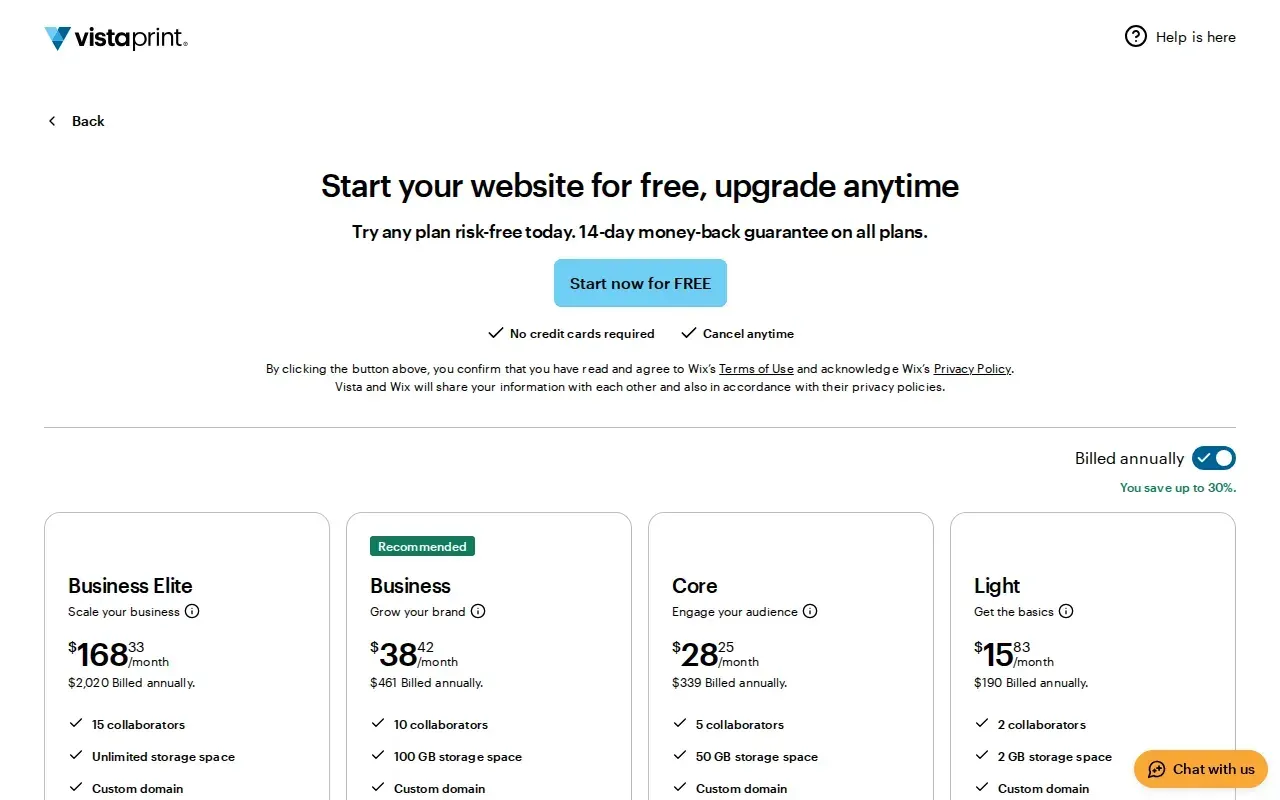
It fits small service firms that just need a brochure and a simple contact form.
The platform offers a 14‑day money‑back guarantee, free domain for the first year and 256‑bit SSL encryption source. Storage ranges from 2 GB on the Light plan up to unlimited on Business Elite, so you can start tiny and grow.
Because the builder is tightly coupled with VistaPrint’s branding, you cannot remove the VistaPrint logo on the free tier, a minor branding limitation.
If you prefer a local partner to take care of copy and SEO, consider web development company Singapore for a custom site that speaks to your market.
2. WordPress: for flexibility and content‑led websites
WordPress is an open‑source content management system that powers everything from blogs to complex portals.
Best for businesses that need full control over design, plugins and SEO.
Hosting options are worth comparing for storage, backups, updates and local performance, but check each provider’s details before choosing.
Because the core software is free, you’ll still need to pay for hosting and any premium plugins you add.
For a quick definition, see Wikipedia’s WordPress page.
3. Shopify: for service businesses that also sell products
Shopify is a cloud‑based commerce platform that lets you add a store to any site.

Ideal for service firms that also want to sell kits, books or merchandise.
The Basic tier includes built‑in AI assistance and multi‑channel sales, with a checkout for online purchases.
The platform adds a transaction fee on top of card rates unless you use its own payment service, which can add cost for high‑volume sellers.
Pro Tip: Ready to fix your site’s copy and SEO? Start with HockWorks →
4. OrderZ: for businesses centred on online ordering
OrderZ is an all‑in‑one e‑commerce and POS system built for Singapore retailers.
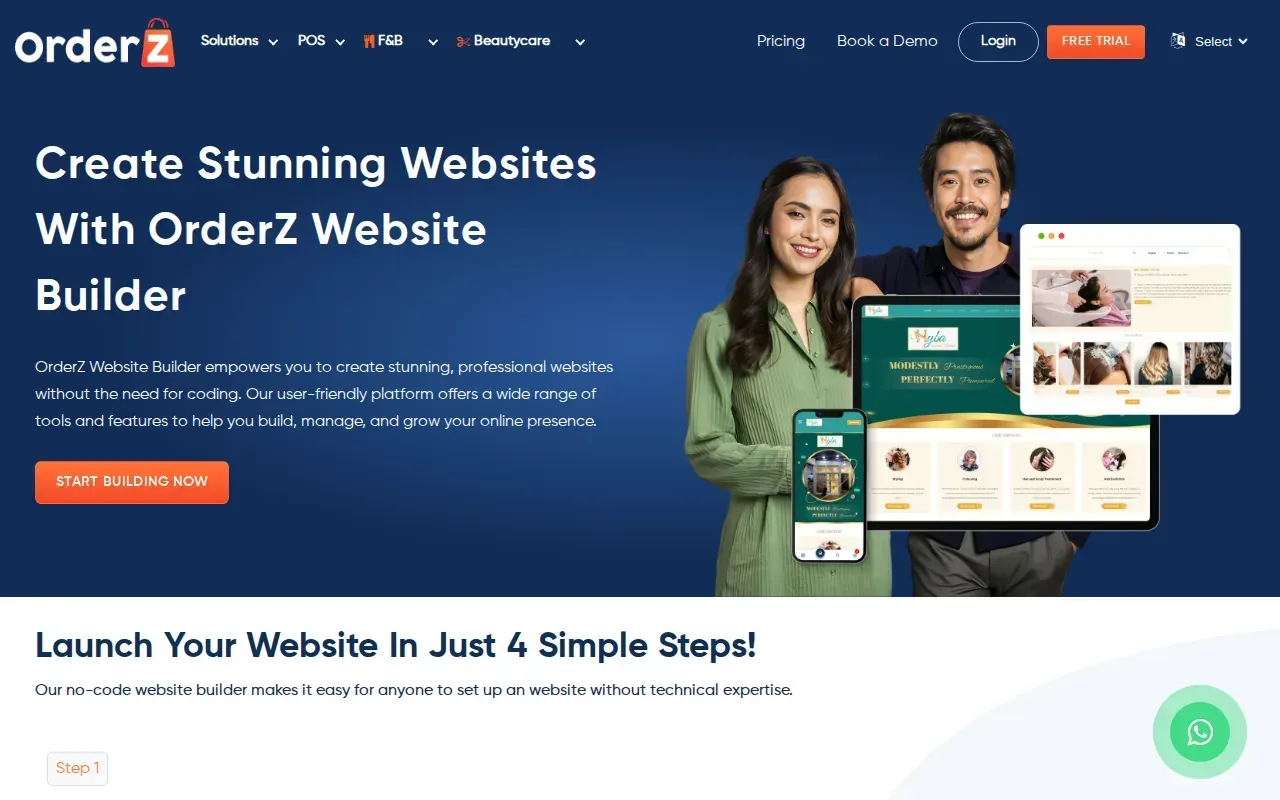
Great for restaurants, beauty studios or any service that takes bookings and sells products.
The tool needs no coding; you set up menus, add‑ons and delivery partners from a single dashboard. Orders can be pushed to WhatsApp, email or a kitchen ticket printer, simplifying front‑of‑house work.
One limitation is that the system is geared toward Singapore‑based payment gateways, so expansion overseas may need a separate checkout.
For a local perspective on how custom sites compare, see web development companies Singapore.
5. Power Pages by Microsoft: for organisations with connected workflows
Power Pages is Microsoft’s low‑code portal builder that lives inside the Power Platform.
Suited to enterprises that already use Dynamics 365 and need secure, governed sites.
General availability in Singapore means you get local data residency, built‑in role‑based access and templates for customer portals source. The platform also handles SSL and compliance out of the box.
A caveat is that the low‑code approach can feel restrictive if you want a highly custom front‑end design.
Which website builder in Singapore fits your business?
| Quick decision matrixBuilder | Typical budget | SEO‑ready out of the box? | Custom copy & design | Growth path |
|---|---|---|---|---|
| VistaPrint | Low | Basic | Template‑limited | Upgrade to Business Elite |
| WordPress | Medium | High (plugins) | Fully custom | Scale with plugins or headless |
| Shopify | Medium‑high | Good (built‑in) | Theme‑driven | Add apps, multi‑channel |
| OrderZ | Medium | Focused on orders | Tailored to services | Integrate POS, expand catalog |
| Power Pages | High | Enterprise‑grade | Low‑code templates | Connect to Power Platform |
Key Takeaway: If you need a site that converts the right enquiries and speaks AI, a custom build like HockWorks may save you hidden costs later.
FAQ: Website builders in Singapore
What is the cheapest way to launch a site in Singapore?
The cheapest route is a free‑tier builder that offers a sub‑domain and basic templates. You’ll get a functional site, but expect limited branding control and no custom domain.
Can I add my own domain to a free builder?
Most free plans let you connect a custom domain for an extra fee; otherwise you stay on a branded sub‑domain.
Do website builders handle SSL automatically?
Yes, most reputable builders include free SSL certificates that encrypt traffic, see Google’s SSL guidance here.
How important is SEO for a service business?
SEO is critical; without it you may get traffic but no enquiries. A site built with SEO‑friendly markup, fast loading and clear copy will rank higher in Google’s local results.
When should I switch from a builder to a custom website?
Consider moving to a custom site when you need advanced copy, precise conversion tracking, or integration with AI‑driven answer engines that generic builders can’t support.
Conclusion
If you value full control over copy, SEO and AI visibility, a custom build from a specialist like HockWorks is worth the extra investment. Book a free 15‑minute Clarity Call and see how we can turn your site into a steady source of qualified enquiries.