3 Homepage Hero Video Formats for Service Firms
Will a homepage hero video help your service firm? Use a poster-first checklist, match one of three formats to buyer needs, and keep the page fast.

A homepage hero video works when your site’s main job is emotional persuasion, not information delivery. If your homepage needs to build mood and instant credibility, a short muted loop earns its weight. If it needs to prove a claim or explain a process, a click-to-play demo beats autoplay every time. Either way, prototype with a strong poster image first, then test before you commit to production costs.
TL;DR:
- Background loops are best for mood and atmosphere, typically lasting 6 to 12 seconds, with a static poster image as fallback.
- Click-to-play videos are more suitable for demonstrating complex processes or proof and should last between 30 to 120 seconds.
- Implement hero videos with proper technical setup, including reserved layout space, muted autoplay, aggressive compression, and lazy loading, to optimize performance.
- Use a static poster image to communicate the full message, ensuring it works even if the video fails to load or is delayed.
- Measure the effectiveness of hero videos by tracking qualified leads and time to action, not just conversion rates, and test one variable at a time.
Table of Contents
- What Is a Homepage Hero Video and What Formats Exist?
- When Does a Hero Video Actually Help?
- Pros and Cons: Engagement Gains Versus Performance Risk
- How Do You Implement a Hero Video Without Hurting Performance?
- How Long Should a Hero Video Be, and Should It Autoplay?
- What Hero Video Patterns Actually Work?
- How Do You Measure Whether a Hero Video Actually Helps?
- Hockworks’ Take on Hero Video for Service Businesses
- The Bottom Line on Hero Video Decisions
- How Hockworks Turns Hero Decisions Into Right-Fit Enquiries
- Sources
- FAQ
What Is a Homepage Hero Video and What Formats Exist?
A homepage hero is the prominent block below your navigation, usually pairing a headline, a line of supporting copy, a visual, and a primary call to action. Optimizely defines it as the section carrying the site’s main value proposition. A hero video simply swaps a static hero image for motion in that same real estate, and it shows up in three common shapes.
- Background loop. A short, silent video plays behind your headline and CTA, functioning more like moving wallpaper than content.
- Split hero demo. The video sits beside the copy rather than behind it, often showing a product interface or a team at work.
- Click-to-play. A poster image sits in the hero until someone chooses to press play, at which point a longer, narrated video takes over.
Each format serves a different goal. Background loops sell mood, useful for hospitality, fashion, or lifestyle brands where atmosphere sells before facts do. Split heroes demonstrate a product without asking for a click. Click-to-play earns attention rather than assuming it, which matters when the video is actually explaining something complex, like a service process or a dashboard walkthrough.
When Does a Hero Video Actually Help?
Start with the poster, not the camera. MDN’s guidance on hero video treats the poster image as the real fallback experience, not an afterthought, which means your first prototype should be a static hero that already communicates the offer clearly. Only add video once that static version is doing its job.
- Ask what your homepage needs to prove. A direct-to-consumer brand, a creative studio, or an event page usually needs emotional lift, and video adds that.
- Ask who’s deciding and what they need. Fintech, enterprise software, and B2B service buyers usually want proof, not polish, so a data-driven static hero often outperforms mood-setting video.
- Run the checklist. Green lights for video: a visually distinctive product, a process worth showing, or a brand built on feel. Red flags: a slow connection audience, a homepage that already struggles with clarity, or a team with no bandwidth to maintain footage over time.
Pro Tip: If you can’t describe in one sentence what the video proves that your headline and image can’t, you don’t need the video yet.
Pros and Cons: Engagement Gains Versus Performance Risk
Video pulls attention faster than a still image, and it can carry emotional texture that a photograph simply can’t. Used well, it demonstrates a physical space, a product interaction, or a service experience in a way words struggle to match.
- Benefits: stronger initial attention capture, a felt sense of brand personality, and the ability to demonstrate rather than describe.
- Risks: slower Largest Contentful Paint scores, a CTA that competes with motion for attention, and mobile users who pay for data by the megabyte.
- Engineering costs: larger file sizes, CDN hosting requirements, and strict autoplay rules that most mobile browsers enforce.
CXL argues that a hero visual’s real job is supporting clarity and credibility, and a video that looks impressive but adds no context can increase cognitive load instead of reducing it. That tradeoff is why only about a quarter to a third of leading sites in Krock’s 2026 review actually use genuine hero video. Most opt for a strong static image instead.
How Do You Implement a Hero Video Without Hurting Performance?
Treat the poster image as a complete hero on its own. MDN recommends designing it to communicate the full promise even when the video is blocked, delayed, or never loads at all. That single habit prevents most hero-video disasters.
- Set explicit
widthandheightattributes so the browser reserves layout space and avoids content shift. - Use
muted,playsinline, andloopfor background video; never rely on unmuted autoplay, which most browsers block anyway. - Strip the audio track entirely from muted loops. MDN notes this can save roughly 20% in bandwidth, since an unused audio stream still downloads.
- Choose
preloaddeliberately:nonefor video unlikely to be watched,metadatawhen you need dimensions early without pulling the full file,autoonly when the hero video is the page’s central message. - Host on a CDN and compress aggressively. Click-to-play demos should lazy-load rather than fetch on page load, per the pattern used in tools like Shadcn UI’s video hero blocks.
- Build a static mobile fallback and respect
prefers-reduced-motionfor visitors who’ve asked their device to limit animation. - Add captions or a transcript for any narrated demo video, and check your overlay contrast against the video’s darkest and brightest frames, not just its average tone.
Pro Tip: Test your headline’s contrast against the busiest, brightest frame in your loop, not the calm opening shot. That’s the frame a visitor with a slow connection actually sees first.
How Long Should a Hero Video Be, and Should It Autoplay?
Duration depends entirely on the job the video is doing. There’s no universal ideal length; Krock’s research treats published benchmarks as a starting point for testing, not a fixed rule.
- Background loops: 6 to 12 seconds, muted, low bitrate, always with a poster fallback ready to display instantly.
- Click-to-play demos: 30 to 120 seconds, narrated, delivered through a modal or inline player that only loads once someone clicks.
- Trigger rule: autoplay only when muted, and defer loading whenever playback is unlikely. A hero video nobody watches is still costing you bandwidth and load time.
Match the format to the buying decision. A visitor deciding on mood needs 8 seconds of atmosphere. A visitor deciding on function needs 60 seconds of proof, on their own terms.
What Hero Video Patterns Actually Work?
Three patterns show up repeatedly across sites that use video well, including the centralized asset workflows offered by Facet Cloud. Cinematic full-bleed backgrounds work for hospitality and lifestyle brands where the video is the pitch. Split hero demos put motion beside the copy rather than behind it, which keeps text legible without needing a heavy overlay. Poster-plus-modal click-to-play protects load speed while still offering depth for visitors who want it.
- Keep the headline and CTA in the upper two-thirds of the frame, away from where subtitles or watermarks might crop.
- Use a gradient or semi-transparent overlay only where copy sits, not across the entire video.
- Browse UI block libraries like Shadcn UI’s hero section blocks for quick, testable layouts before committing to custom development.
How Do You Measure Whether a Hero Video Actually Helps?
Don’t run a simple “video versus image” test and call it done. That framing answers a shallow question and misses the one that matters: whether the video attracts better-fit visitors or just more of them. Research on hero video testing warns that measuring only conversion rate risks a win that tells you nothing about lead quality.
- Track conversion rate, but pair it with qualified lead rate and time to CTA click.
- Watch Largest Contentful Paint and Cumulative Layout Shift as performance guardrails, not afterthoughts.
- Change one variable at a time. A video test running alongside new copy or a layout shift produces results you can’t trust.
- Give the test enough traffic to reach statistical confidence before declaring a winner.
Hockworks’ Take on Hero Video for Service Businesses
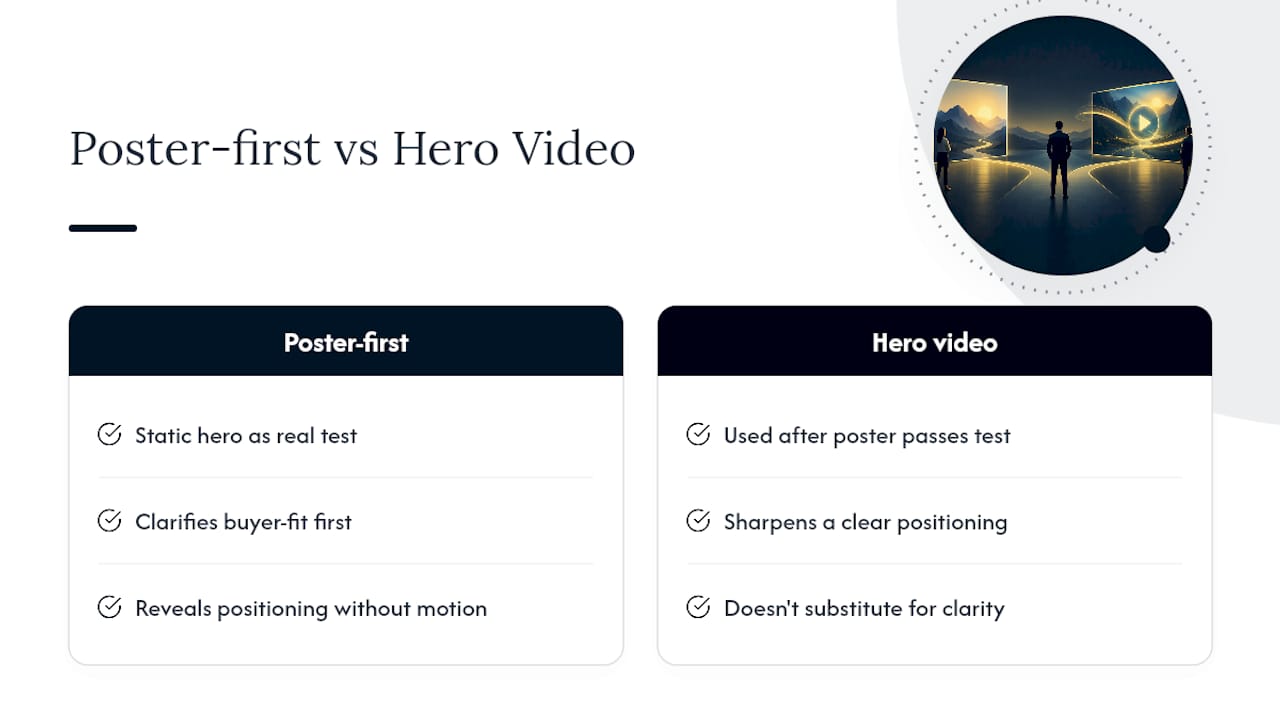
For service businesses, we default to poster-first. Our blueprint process treats the static hero as the real test: if the headline and image alone don’t clarify what makes you the right-fit choice, video won’t fix that, it’ll just hide it behind motion. A hero video should sharpen your positioning, not substitute for it, and that’s the diagnosis we run before recommending either format. See how this plays out on service business homepages generally, and specifically for professional service firms.
The Bottom Line on Hero Video Decisions
The verdict hasn’t changed: match format to job, atmosphere gets a loop, proof gets a click. Before you brief a videographer, build the poster-first prototype and run one focused test against your current hero. If you want a second pair of eyes on whether video would help or just distract, Hockworks’ free website review is built for exactly that question.
— Fadly
How Hockworks Turns Hero Decisions Into Right-Fit Enquiries
Hockworks is the alternative to guessing at hero video versus static image: instead of gambling on a video shoot, you get a diagnosis of what’s actually causing decision friction on your homepage first. Our Homepage Blueprint identifies exactly where visitors hesitate, whether that’s a weak headline, missing proof, or a hero visual doing the wrong job, and hands you a structured plan for fixing it.
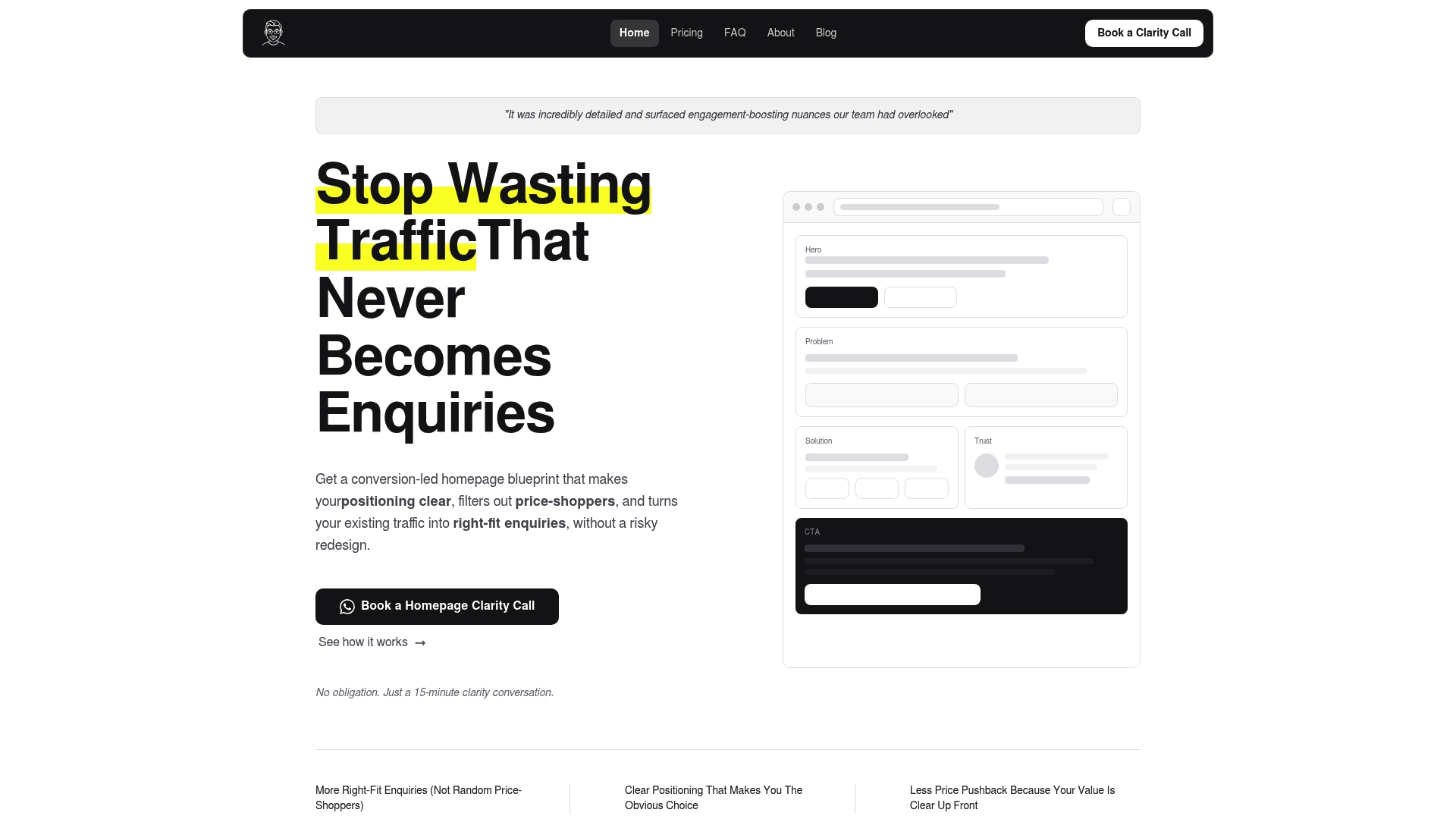
The Homepage service runs 480 SGD one-off and covers the full decision-friction diagnosis plus a video walkthrough of your blueprint. If you want the About page folded in too, Homepage + About runs 680 SGD one-off. Not ready to commit? Start with our free website review and see what’s actually costing you enquiries before you spend a dollar on new video or design work.
Sources
FAQ
What Does “Homepage Hero” Mean?
The homepage hero is the prominent section directly below your navigation, typically combining a headline, supporting copy, a visual, and a primary call to action, as Optimizely defines it. It’s the first real content a visitor evaluates before deciding to keep scrolling.
How Long Should a Hero Video Be?
For background loops, aim for 6 to 12 seconds of muted, low-bitrate footage with a poster fallback ready. For click-to-play demos, 30 to 120 seconds of narrated content is typical, though industry research treats these as starting points to A/B test, not fixed rules.
What Does Hero Video Mean?
A hero video is video content placed in a homepage’s hero section, either as a silent background loop for atmosphere or as a click-to-play asset that demonstrates a product or service. The format you choose should match whether your homepage needs mood or proof.
What Is a Hero Banner on a Website?
A hero banner is another name for the same top-of-page section: a large, high-visibility block combining a headline, visual, and CTA. Whether that visual is a photo, an illustration, or a video, its job stays the same, communicating your value proposition before a visitor scrolls further.
Does Hockworks Help Decide Between Video and Static Heroes?
Yes. Hockworks’ Homepage Blueprint diagnoses whether your current hero is causing decision friction and whether video would clarify your positioning or just distract from it, with pricing available on the Hockworks pricing page.
Recommended

About the author
Thiam Hock is the founder of Hockworks, a Singapore-based digital advisory focused on clarity-driven websites. He works with service businesses to design websites that guide decisions, filter the right enquiries and reduce hesitation. His perspective centres on positioning, differentiation and how visitors actually make decisions in competitive markets.
Read more about Thiam Hock →